客户端操作 从光盘启动,见图。有两个启动选项: Usually used Net Cards 包含了常用网卡, More Net Cards 包含 100 种网卡,基本可以包含所有的网卡。
软件类别:
系统维护 / 版 / 系统维护
运行环境:
Win9x/NT/2000/XP/
软件大小:
8.6M
整理时间:
2003-12-9 10:39:22
开 发 商:
未知
软件简介:
本来,Ghost的企业版提供了网络Ghost功能,但是对应多网卡不能很好的工作。万一选错网卡驱动,可能导致系统不能正常启动。因此,不能用于播出系统的备份。为了完成对系统的备份,经过研究探索,可以采用下面的方法完成备份。一、首先,准备启动盘。
将光盘映像文件Net Ghost.ISO用Nero等刻录工具刻成光盘。如果需要软盘,可以在命令行方式下运行Make Floppy目录下的make_fd.bat制作两张软盘。软盘1是系统盘,软盘2是ghost盘。二、服务端启动GhostCast服务端计算机Ip地址假定为192.168.1.2。输入Session Name ,如:Test。如果选Load To Client,是用作将Gho文件发送到客户端,需要选择对应的文件,请一定确认文件正确。如果选Dump from Client,是用作将客户端备份到服务端。需要输入Image File,如:c:\test.gho;可以选择操作是针对Disk还是Partition。操作完成后,等待客户端的连接。
screen.width*0.7) {this.resized=true; this.width=screen.width*0.7; this.alt='Click here to open new window\nCTRL+Mouse wheel to zoom in/out';}" border=0>
三、客户端操作 从光盘启动,见图。有两个启动选项: Usually used Net Cards 包含了常用网卡, More Net Cards 包含 100 种网卡,基本可以包含所有的网卡。
screen.width*0.7) {this.resized=true; this.width=screen.width*0.7; this.alt='Click here to open new window\nCTRL+Mouse wheel to zoom in/out';}" border=0>
以启动 Usually used Net Cards 为例说明。启动时一般选 1 。
screen.width*0.7) {this.resized=true; this.width=screen.width*0.7; this.alt='Click here to open new window\nCTRL+Mouse wheel to zoom in/out';}" border=0>
出现下图时选 OK
screen.width*0.7) {this.resized=true; this.width=screen.width*0.7; this.alt='Click here to open new window\nCTRL+Mouse wheel to zoom in/out';}" border=0>
出现下图选 Auto
screen.width*0.7) {this.resized=true; this.width=screen.width*0.7; this.alt='Click here to open new window\nCTRL+Mouse wheel to zoom in/out';}" border=0>
从系统自动找出的网卡中选出自己需要的网卡驱动,常用网卡见附表。多网卡时请注意选择与Ghost服务端正确连接的网卡。
screen.width*0.7) {this.resized=true; this.width=screen.width*0.7; this.alt='Click here to open new window\nCTRL+Mouse wheel to zoom in/out';}" border=0>
附表:常用网卡对照表
网卡型号
对应的网卡驱动
3C905B-TX
el90x.cab
Legend/D-link DFE-530TX
fetnd.cab
Intel 82559
e100b.cab
Intel 82558 With Wake on LAN
e100b.cab
D-link DFE-530TX
dlkrts.cab 、 fetnd.cab
Realtek RTL8139
rtsnd.cab
Intel Pro/100+
e100b.cab
IBM Netfinity 10/100
e100b.cab
HP Netserver 100/100TX
e100b.cab
SIS 0900
sis900.cab
SAMSUNG SC1200-TX
dlkpci.cab
SMARTETHER SC1010-TX
pnpnd.cab
Realtek RTL8029
pcind.cab
ACCTON EN1207D
accnd.cab
Realtek RTL8019
pnpnd.cab
网卡型号 对应的网卡驱动 3C905B-TX el90x.cab Legend/D-link DFE-530TX fetnd.cab Intel 82559 e100b.cab Intel 82558 With Wake on LAN e100b.cab D-link DFE-530TX dlkrts.cab 、 fetnd.cab Realtek RTL8139 rtsnd.cab Intel Pro/100+ e100b.cab IBM Netfinity 10/100 e100b.cab HP Netserver 100/100TX e100b.cab SIS 0900 sis900.cab SAMSUNG SC1200-TX dlkpci.cab SMARTETHER SC1010-TX pnpnd.cab Realtek RTL8029 pcind.cab ACCTON EN1207D accnd.cab Realtek RTL8019 pnpnd.cab 网卡选好后,进入 Ip 设置,因为我们一般不采用 DHCP ,不要选中 Enable DHCP ,如果不在 DOS 下联网, IP address 可以随便填,因为在进入 Ghost 时可以设置。
screen.width*0.7) {this.resized=true; this.width=screen.width*0.7; this.alt='Click here to open new window\nCTRL+Mouse wheel to zoom in/out';}" border=0>
出现下面窗口时可以跳过,直接 OK 确认。
screen.width*0.7) {this.resized=true; this.width=screen.width*0.7; this.alt='Click here to open new window\nCTRL+Mouse wheel to zoom in/out';}" border=0>
启动完成后,回到 A :,运行 go ,在下面的窗口中输入 IP 地址和掩码。地址必须和Ghost服务端是同样的网段。
screen.width*0.7) {this.resized=true; this.width=screen.width*0.7; this.alt='Click here to open new window\nCTRL+Mouse wheel to zoom in/out';}" border=0>
输入完成后按 Alt + X 键保存退出,系统自动启动 Ghost 。选择 GhostCast Unicast 或 Directed BroadCast 。
screen.width*0.7) {this.resized=true; this.width=screen.width*0.7; this.alt='Click here to open new window\nCTRL+Mouse wheel to zoom in/out';}" border=0>
在下图中输入服务端的 Session Name ,如: Test ;输入 Server IP Address ,如 192.168.1.2 。
screen.width*0.7) {this.resized=true; this.width=screen.width*0.7; this.alt='Click here to open new window\nCTRL+Mouse wheel to zoom in/out';}" border=0>
输入后按 OK ,进入下面的操作。确认后进入下面操作。
screen.width*0.7) {this.resized=true; this.width=screen.width*0.7; this.alt='Click here to open new window\nCTRL+Mouse wheel to zoom in/out';}" border=0>
操作和普通的 Ghost 类似,完成后显示下面的图片。
screen.width*0.7) {this.resized=true; this.width=screen.width*0.7; this.alt='Click here to open new window\nCTRL+Mouse wheel to zoom in/out';}" border=0>
同时, GhostCast 也显示 Transfer Complete 。
screen.width*0.7) {this.resized=true; this.width=screen.width*0.7; this.alt='Click here to open new window\nCTRL+Mouse wheel to zoom in/out';}" border=0>
以上讲的是对客户机的备份,备份还原操作与此类似。
展开
 腾讯QQ2013正式版SP6(9305)官方安装版
 SQL Server 2008 官方简体中文正式版【附开发版和企业版序列号】
 瑞星杀毒软件下载,瑞星杀毒软件2008下载,
 会声会影12简体中文正式版
 迅雷(整合网页图片修复)v5.9.15.1274绿色版【支持迅雷看看】
 快车(FlashGet) V3.7.0.1223 官方安装版
 超强QQ农牧助手v3.53正式绿色版|超强QQ农场助手最新版
](https://img5.jz5u.com/15/Soft/UploadPic/2007-11/p200711137154624868.jpg) 暴风影音v3.5简体中文万能版[3.08.03.27](支持355种格式)
暴风影音v3.5简体中文万能版[3.08.03.27](支持355种格式)
 会声会影X2(Corel VideoStudio pro)官方简体中文免序列号免激活版
 电脑店U盘启动盘制作工具7.0 官方安装版
![风行Funshion网络电影2017[正式版]3.0.6.71 官方安装版](https://img5.jz5u.com/15/Soft/UploadPic/2011-3/20113512221113784.jpg) 风行Funshion网络电影2017[正式版]3.0.6.71 官方安装版
风行Funshion网络电影2017[正式版]3.0.6.71 官方安装版
 《传奇世界》1.950完整客户端
 QQ概念版Beta 1.3官方安装版_实现多点触摸操作
 老毛桃U盘启动制作工具 9.2UEFI启动体验版
 时空英豪二度接触八项修改器 1.0 官方免费版
 斑马儿歌
斑马儿歌  暴风影音播放器
  驰电云
驰电云  蓝河工具箱最新版
  熊猫浏览器手机版 安卓版
  axcven官方正版
  老地方影院
老地方影院  曲面闪光app
  大象英语
大象英语  抖漫动漫
抖漫动漫  ReadEra
  MangaReader
  U盘之家启动制作工具 1.5官方安装版
  linux自启动u盘制作 (rufus)3.7.1570 官方绿色版
  WinToFlash (U盘优盘系统盘) 1.13.0000 中文绿色版
  启动易EasyBoot 5.1.2.586 简体中文注册版
  简易U盘启动测试器V1.0绿色版_测试U盘启动是否有效
 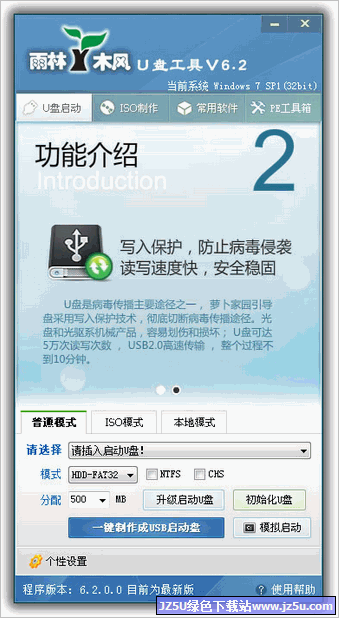 雨林木风U盘启动盘制作工具 V6.2 自由设首版
 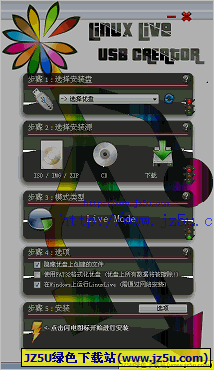 LiLi USB Creator (创建启动U盘)2.9.3 多语言绿色版
 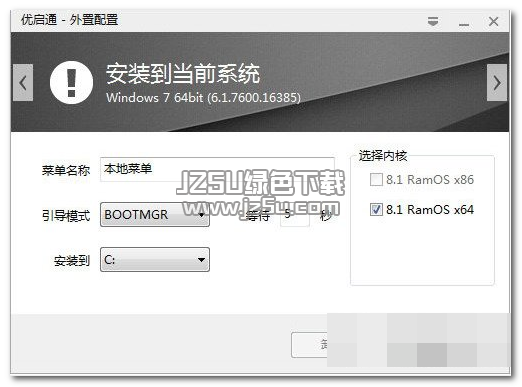 优启通u盘启动盘制作工具 3.3.2018.1227 官方版
 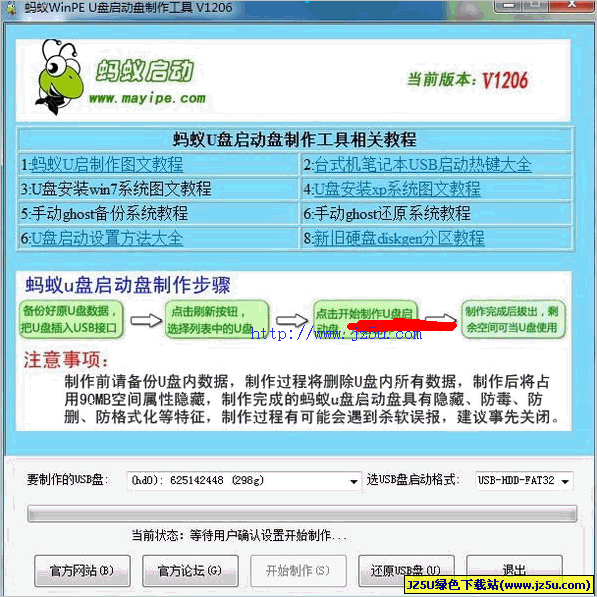 蚂蚁WinPEU盘启动盘制作工具 V1206 官方安装版
  邪书生隐私管家
 金山毒霸青春版
 7-Zip压缩
 金舟压缩宝
金舟压缩宝 飞连
飞连 弹窗杀手
弹窗杀手 可牛看图
可牛看图 淘淘铃声剪切之星
 彼岸图网
彼岸图网 Foxmail邮箱
 神奇图片批处理
 轮廓批量抠图
 会声会影电脑版
 右糖视频制作
 幂果录音
幂果录音 Dance Sing Sing
 超级视频合并
 金舟视频大师
 金狮视频助手
 小周便签
小周便签 超级兔子数据恢复
 未来软件管家
 神器视频剪切软件
 剪映专业版
剪映专业版 万彩图影大师
 万兴录演
万兴录演 麒麟音乐
麒麟音乐 bytefence anti malware
 Letstalk聊天
 Letstalk